


Your Partner in Every Move
Find your dream home with my powerful property search tool!

Who I Am
Mark Belanger
Most Realtors can only help with MLS listings.
I can help you build wealth across the full spectrum of real estate - residential, commercial, and private-market investments that most people never get access to.
With a strategic, data-driven, investment-first approach, I help clients make confident decisions, diversify smarter, and build long-term wealth through real estate.
My Experience
Most people only get access to a small slice of the real estate market — and it limits their results.
Because I work across both traditional real estate and private investments, my clients see opportunities others never do:
Ottawa Realtor
Specializing in residential homes, income properties, new construction, and commercial real estate.
Licensed Exempt Market Dealer Representative
Able to offer private REITs, MICs, limited partnerships, and exclusive builder-backed projects not found on public exchanges.
Metrocity Property Group
Backed by Ottawa’s #1 eXp real estate team with unmatched transaction volume and builder relationships.
Before real estate, I spent 20+ years in sales and sales leadership across Fortune 100, startup, and philanthropic organizations.
Those roles taught me how to build strategy, negotiate well, and always put the client first — skills I now apply to help families and investors navigate real estate with confidence.
What Sets Me Apart
Most Realtors only help you buy or sell a property.
I help you build wealth.
I use City of Ottawa assessment data to uncover true pricing power — a unique edge for both buyers and sellers.
I help buyers evaluate every home as both a lifestyle fit and a long-term investment.
I offer private-market investment opportunities so clients can diversify smarter.
Whether you’re buying, selling, or investing, you’ll see options most people never have access to — and a plan designed to protect your best interests.
My Values
Real estate isn’t just a transaction.
It’s long-term security, family stability, and smart investing.
Transparency
No jargon. No pressure. Just data-backed advice you can trust.
Expertise
20+ years of business and negotiation experience working for you.
Teamwork
Through Metrocity Property Group, you gain the full power of Ottawa’s leading real estate team.
Through Rethink & Diversify Securities (a registered Exempt Market Dealer), you gain access to vetted private investments most people never see.
Client-First Approach
Every recommendation is designed to protect your wealth and your future.
Outside of Real Estate
When I’m not working with clients, you’ll find me with my family, filming new videos for my YouTube channel, or diving into new ideas about investing and personal growth.
I’m constantly exploring Ottawa, studying market data, and looking for the next opportunity my clients can take advantage of.
Hear What my Clients Have to Say
Handpicked Listings
Is it a good time to sell?
Let me provide you with a personalized, in-person valuation report. You'll receive an accurate, detailed analysis of your property's value, including insights into market trends and potential opportunities for improvement.
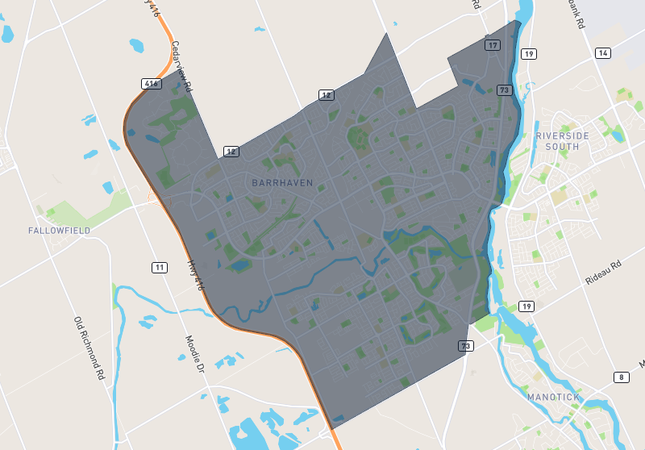
Discover Ottawa’s Diverse Communities
Explore the unique lifestyles Ottawa has to offer - from vibrant urban neighborhoods to family-friendly suburbs and peaceful rural escapes. Discover the communities below and find the one that perfectly fits your way of life.
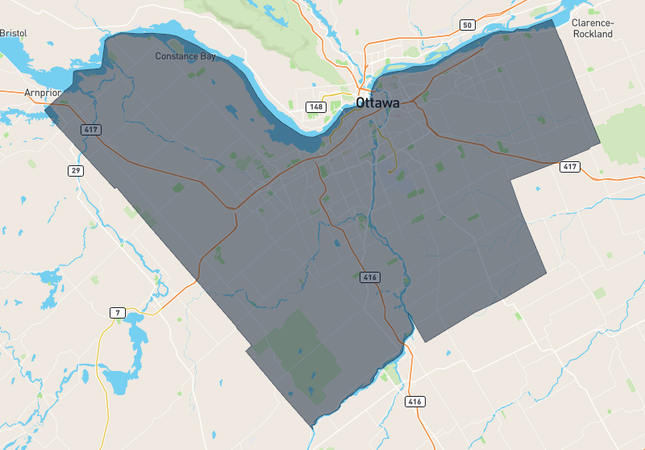
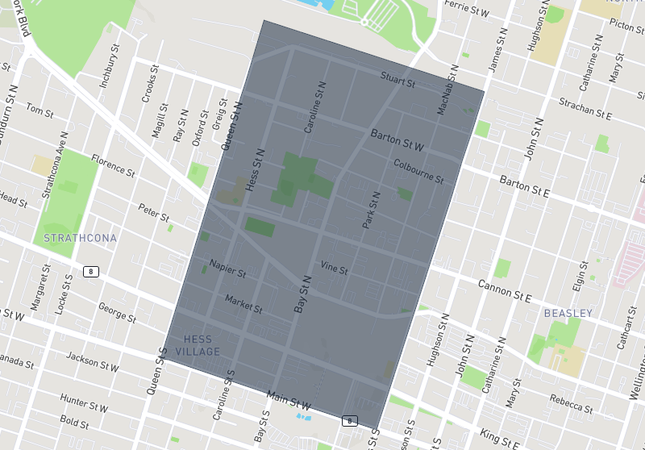
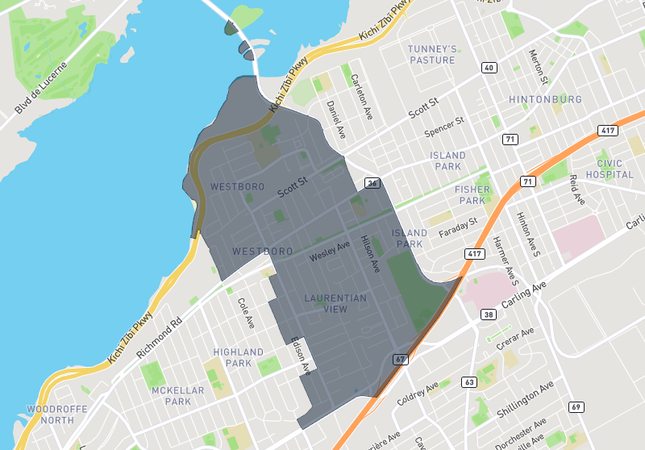
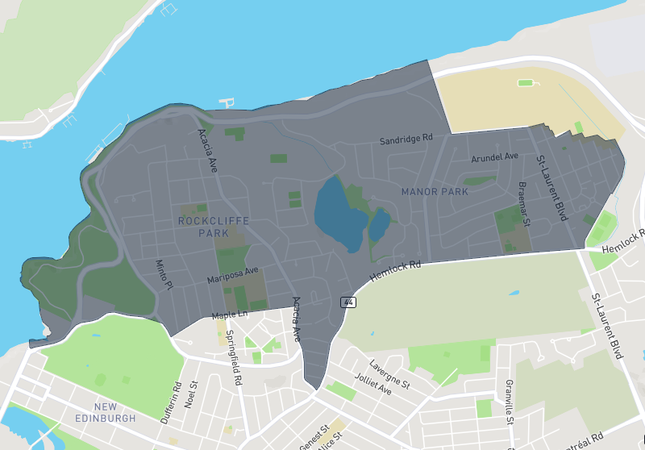
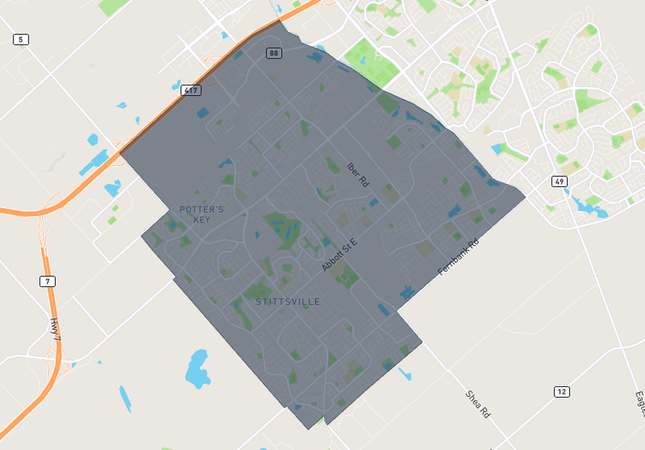
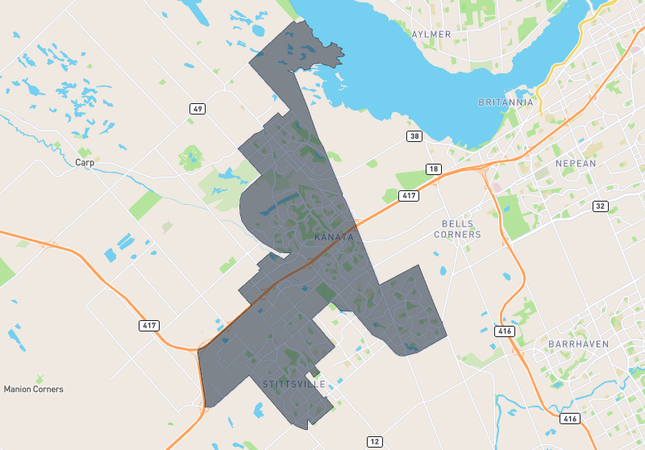
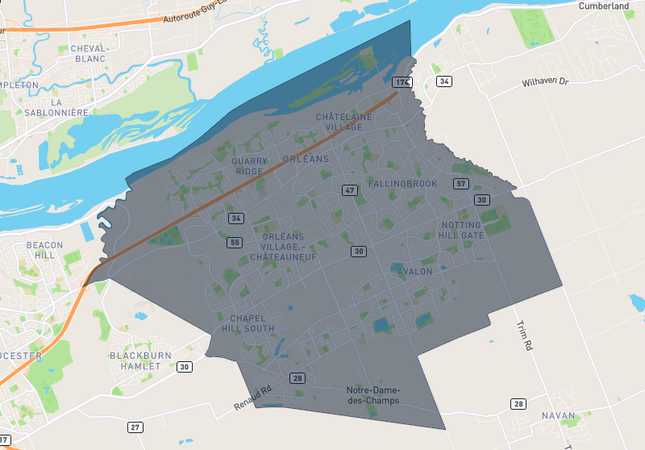
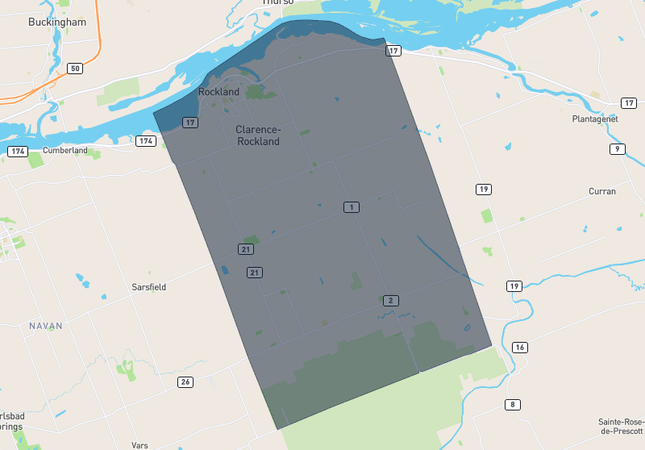

Here for Every Step of Your Home Journey!
Whether you’re buying, selling, or investing, my goal is the same: to help you make smart decisions that grow your wealth and get you closer to your goals.
Share My QR |
|
Accessibility
Accessibility modes
Online Dictionary
Readable Experience
Visually Pleasing Experience
Easy Orientation
Accessibility Statement
- markbelangerrealty.com
- April 3, 2026
Compliance status
We firmly believe that the internet should be available and accessible to anyone, and are committed to providing a website that is accessible to the widest possible audience, regardless of circumstance and ability. To fulfill this, we aim to adhere as strictly as possible to the World Wide Web Consortium’s (W3C) Web Content Accessibility Guidelines 2.1 (WCAG 2.1) at the AA level. These guidelines explain how to make web content accessible to people with a wide array of disabilities. Complying with those guidelines helps us ensure that the website is accessible to all people: blind people, people with motor impairments, visual impairment, cognitive disabilities, and more. This website utilizes various technologies that are meant to make it as accessible as possible at all times. We utilize an accessibility interface that allows persons with specific disabilities to adjust the website’s UI (user interface) and design it to their personal needs. Additionally, the website utilizes an AI-based application that runs in the background and optimizes its accessibility level constantly. This application remediates the website’s HTML, adapts Its functionality and behavior for screen-readers used by the blind users, and for keyboard functions used by individuals with motor impairments. If you’ve found a malfunction or have ideas for improvement, we’ll be happy to hear from you. You can reach out to the website’s operators by using the following email [email protected]Screen-reader and keyboard navigation
Our website implements the ARIA attributes (Accessible Rich Internet Applications) technique, alongside various different behavioral changes, to ensure blind users visiting with screen-readers are able to read, comprehend, and enjoy the website’s functions. As soon as a user with a screen-reader enters your site, they immediately receive a prompt to enter the Screen-Reader Profile so they can browse and operate your site effectively. Here’s how our website covers some of the most important screen-reader requirements, alongside console screenshots of code examples:- Screen-reader optimization: we run a background process that learns the website’s components from top to bottom, to ensure ongoing compliance even when updating the website. In this process, we provide screen-readers with meaningful data using the ARIA set of attributes. For example, we provide accurate form labels; descriptions for actionable icons (social media icons, search icons, cart icons, etc.); validation guidance for form inputs; element roles such as buttons, menus, modal dialogues (popups), and others. Additionally, the background process scans all of the website’s images and provides an accurate and meaningful image-object-recognition-based description as an ALT (alternate text) tag for images that are not described. It will also extract texts that are embedded within the image, using an OCR (optical character recognition) technology. To turn on screen-reader adjustments at any time, users need only to press the Alt+1 keyboard combination. Screen-reader users also get automatic announcements to turn the Screen-reader mode on as soon as they enter the website.These adjustments are compatible with all popular screen readers, including JAWS and NVDA.
- Keyboard navigation optimization: The background process also adjusts the website’s HTML, and adds various behaviors using JavaScript code to make the website operable by the keyboard. This includes the ability to navigate the website using the Tab and Shift+Tab keys, operate dropdowns with the arrow keys, close them with Esc, trigger buttons and links using the Enter key, navigate between radio and checkbox elements using the arrow keys, and fill them in with the Spacebar or Enter key.Additionally, keyboard users will find quick-navigation and content-skip menus, available at any time by clicking Alt+1, or as the first elements of the site while navigating with the keyboard. The background process also handles triggered popups by moving the keyboard focus towards them as soon as they appear, and not allow the focus drift outside of it.Users can also use shortcuts such as “M” (menus), “H” (headings), “F” (forms), “B” (buttons), and “G” (graphics) to jump to specific elements.
Disability profiles supported in our website
- Epilepsy Safe Mode: this profile enables people with epilepsy to use the website safely by eliminating the risk of seizures that result from flashing or blinking animations and risky color combinations.
- Visually Impaired Mode: this mode adjusts the website for the convenience of users with visual impairments such as Degrading Eyesight, Tunnel Vision, Cataract, Glaucoma, and others.
- Cognitive Disability Mode: this mode provides different assistive options to help users with cognitive impairments such as Dyslexia, Autism, CVA, and others, to focus on the essential elements of the website more easily.
- ADHD Friendly Mode: this mode helps users with ADHD and Neurodevelopmental disorders to read, browse, and focus on the main website elements more easily while significantly reducing distractions.
- Blindness Mode: this mode configures the website to be compatible with screen-readers such as JAWS, NVDA, VoiceOver, and TalkBack. A screen-reader is software for blind users that is installed on a computer and smartphone, and websites must be compatible with it.
- Keyboard Navigation Profile (Motor-Impaired): this profile enables motor-impaired persons to operate the website using the keyboard Tab, Shift+Tab, and the Enter keys. Users can also use shortcuts such as “M” (menus), “H” (headings), “F” (forms), “B” (buttons), and “G” (graphics) to jump to specific elements.
Additional UI, design, and readability adjustments
- Font adjustments – users, can increase and decrease its size, change its family (type), adjust the spacing, alignment, line height, and more.
- Color adjustments – users can select various color contrast profiles such as light, dark, inverted, and monochrome. Additionally, users can swap color schemes of titles, texts, and backgrounds, with over 7 different coloring options.
- Animations – epileptic users can stop all running animations with the click of a button. Animations controlled by the interface include videos, GIFs, and CSS flashing transitions.
- Content highlighting – users can choose to emphasize important elements such as links and titles. They can also choose to highlight focused or hovered elements only.
- Audio muting – users with hearing devices may experience headaches or other issues due to automatic audio playing. This option lets users mute the entire website instantly.
- Cognitive disorders – we utilize a search engine that is linked to Wikipedia and Wiktionary, allowing people with cognitive disorders to decipher meanings of phrases, initials, slang, and others.
- Additional functions – we provide users the option to change cursor color and size, use a printing mode, enable a virtual keyboard, and many other functions.